Hello Again! As mentioned in our last Mayflower Update, we are working around the clock (literally) to get any outstanding questions answered and issues resolved. In doing so, we felt it would be best to create an FAQ to document the latest questions and to outline our plans moving forward. This post will be modified as questions are added or answers are updated.
First of all, with so many of you now having had your migration completed, there are bound to be issues that were overlooked, errors that occurred, or wishes that are born. Migrating this data from MyFamily is a complex challenge. We’re human, and therefore prone to mistakes. We are working hard to take care of all of you, and we want you to know that we have a plan for most if not all of the things you all would like to see addressed. We want to make things right for you!
However, we need to take a moment to remind ourselves, by necessity, where our current priorities lie. Now that you’re a part of the Spokt family, we would like to include you on this assessment. Here’s what we know:
MyFamily will be closing down in about a month and a half. That is roughly 45 precious short days in which we are still able to save as many people’s sites as possible. Our Mayflower 2 migration tool is still in the works (nearing completion), but the simple truth is that we are stretched too thin at the moment to take care of current feature requests or minor bug fixes AND finalize Mayflower 2.0.
We recognize there is a deep desire to make your new Hub “Home” now that your MyFamily data is in place. And for the few of you who have legitimate concerns regarding things like incomplete member names (for instance), or embedded images, you no doubt feel a need to find a resolution. We completely understand. We can—and WILL—do what needs to be done to resolve your concerns.
But this still doesn’t address the elephant in the room: Myfamily’s shutdown is coming, and fast. We ask you to consider others who have NOT had their data saved, and offer your continued patience so we can help preserve their memories before it is simply too late. As a community, we can work together to make a win-win for everybody. Will you help us?
What Spokt going to do about it? Great question! Let me outline that for you next:
1) We are cataloging all of the known issues and keeping them in our development queue. This will serve as our work list for the coming months, and we’ll be hitting this list hard once we are confident the 2.0 migrations are well underway and working as expected
2) We are keeping a public list of these issues in a new FAQ which we will be posting to the main site in the coming days
3) We are devoting every last resource we can wring out of ourselves to A) finalizing the Mayflower 2.0 import process, and B) taking care of known issues that are NOT considered dire (this means any issue where the fix is not dependent upon access to MyFamily’s servers), in that order.
We ask that you read carefully through the FAQ, and should you find your issue there, please refrain from emailing support with a related inquiry. If we’ve listed the issue there, we’re aware of it and are doing our best to take care of it for you and everyone else.
We are deeply humbled that Spokt has been chosen by so many of you as a replacement for your long-time home of MyFamily, and we are working hard to make this the best home you’ve ever had on the web. Thank you for bearing with us as we strive towards this goal.
FAQ
Q: Some or all of my images are not showing properly (instead, I see the letters “s9” or “m” in a thumbnail where the photo should appear, either on the post or in the photos page)
A: STATUS: FIXED We made an upgrade to our photo storage system, and this prohibited a small subset of members from seeing their images. The images were never missing, but were not displaying correctly for some. This problem should now be resolved for all members.
Q: Help! The full names of some members are not showing up on posts and in my members lists. Can you fix this?
A: Yes! Due to the way name data was captured, our algorithm was not aware of some of the more creative names (Mary-Jo Ellen Smith Hansen) or even the non-names (John Henry – ’67-’71) coming from MyFamily sites. We CAN include the full name, and are working on a way to make this happen for those of you who would like this to happen. We appreciate your patience as we correct this.
Q: How can I update my own profile?
A: You can update your profile and account settings by logging into your account, then clicking the “Edit Account” link at the top of the screen. From there you can choose to edit your Profile, your Account settings, and your Preferences. Remember to click the “Save” button at the bottom of each screen!
Q: I attempted to update my email address, but a message appears that says “Email has already been taken”. This is likely due to a conflict in the way Mayflower accounts were being imported originally. We have fixed this problem moving forward, but we are working on releasing a feature that will allow you to merge two or more accounts that belong to you. This will allow you to once again share the same email address across multiple Hubs as expected. This feature should be ready within the next 24 to 48 hours.
Q: I have duplicate images that show up when I search for a photo. What’s going on? Can I delete the duplicates?
A: First of all, PLEASE DO NOT DELETE ANY IMAGES you suspect are duplicates. These are very likely NOT duplicate images, but rather duplicate listings in search. If they are indeed duplicates you will see the same image (and related conversations) showing up at different URLs in the browser address bar. If this is the case, please email us some examples of the same images at different links and we’ll look into it more closely for you.
Most MyFamily refugees have praised the comprehensive search utility that we offer. That said, there are a few ways in which we hope to make it better. One known issue is that search results can produce multiple listings of the same post, making it appear there are duplicates. We are working on a fix for this, and expect that to happen before the year’s end. We appreciate your patience as we enhance this feature.
Q: I don’t see file attachments for news posts and files that were migrated from MyFamily. Were they missed?
A: File attachments can be found by clicking on the small gray paperclip icon at the bottom of the original post (before any replies).
In most cases File Attachments were included in your import. If the attachment was no longer available from MyFamily’s servers when we attempted to retrieve the file then it was skipped and moved on to the next file. Feel free to contact support if you can verify that a file attachment is missing in Spokt, but available in your MyFamily site. If that is the case, please provide links to both posts (in your Spokt Hub and your MyFamily site) so we can compare the pages. Thank you!
Q: In place of an image on a post, I see a graphic that says “IMAGE DOWNLOADING: We are still downloading this inline image file. The download process will take some time. Please check back every 24 hours.” What should I do?
A: Inline image attachments (meaning they were embedded above, below, or in-between text in a post) were missed on some sites. If you see the graphic indicating the images are being downloaded, that means we are aware that these images are being missed for you, and they will be included soon. Thank you for your patience.
Q: Did you save the photo album information when you migrated the photos?
A: YES! We safely stored the information regarding which albums your photos belonged to on your MyFamily site. We do not currently have an album feature, but we have publicly announced that this is among our top features once Mayflower 2.0 migrations are well underway. We appreciate your patience as we work to get this feature right for you.
Q: Does Spokt currently offer a calendar feature?
A: We do not currently have a calendar feature, though we have publicly announced that it is in the works and coming soon. Please keep an eye on the blog for the official release announcement coming later this year.
Q: I’m a Hub administrator, and I have duplicate members after importing our MyFamily site through Mayflower. Should I delete the extras?
Please DO NOT DELETE EXTRA accounts. We are working on a way for members to merge multiple accounts on Spokt, whether it be due to an import duplication (they had an account on your MyFamily site and your new Spokt hub, and were not matched correctly) or otherwise. Please look for new tools to help alleviate these situations in the coming week.
Q: I’m having trouble logging in. What can I do?
A: If you are having trouble logging into your own account, please visit http://spokt.com/password_resets/new and follow the directions to reset your password and log in.
***NOTE***: If you have an auto-generated account from a MyFamily migration, we are working for a way for your Hub admin to help you reset your password. We expect to have a resolution within the next 24-48 hours, and we will make an official announcement on the blog. Thank you for your patience as we resolve this issue for you.
Q: Some members who were invited through our Mayflower Import say they did not receive an invite. How can I re-invite them?
A: Please do not re-invite Mayflower invitees through the traditional Invite screen. We are working on creating a new tool so you can re-invite the members you think need to receive a copy of their original invitation to your Hub. We expect to have a resolution within the next 24-48 hours, and we will make an official announcement on the blog. Thank you for your patience as we resolve this issue for you.
Q: I invited a member via the Invite screen but they didn’t accept that invitation. Then I finalized my Mayflower import and that member logged in using the credentials that were emailed to them. Can I safely delete their pending invitation now on the invite screen?
A: Yes, if you go to the Invite screen and see their name and email address listed under the section titled “These invitations have not yet been accepted”, you can safely click the “Remove” button next to their name. This should not affect their current membership status.
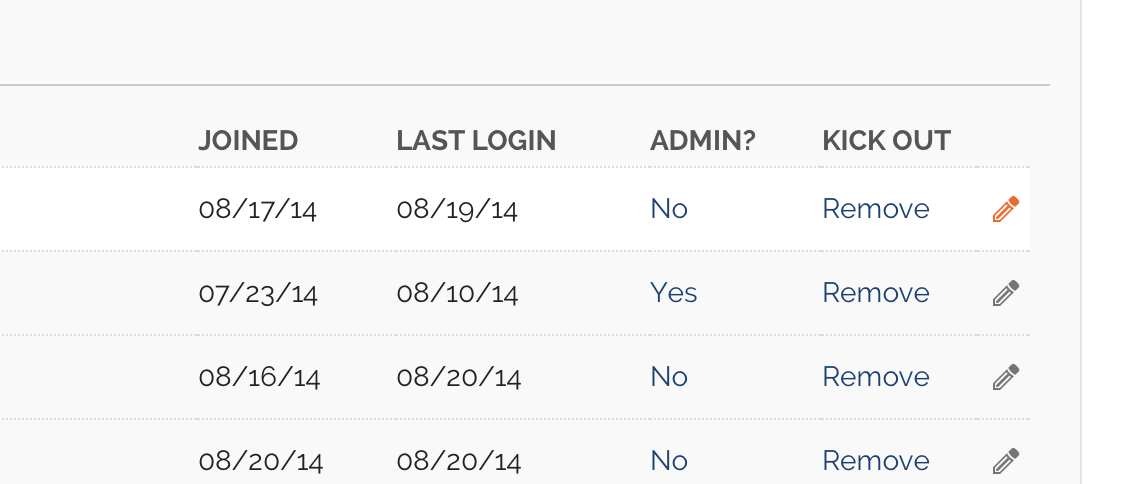
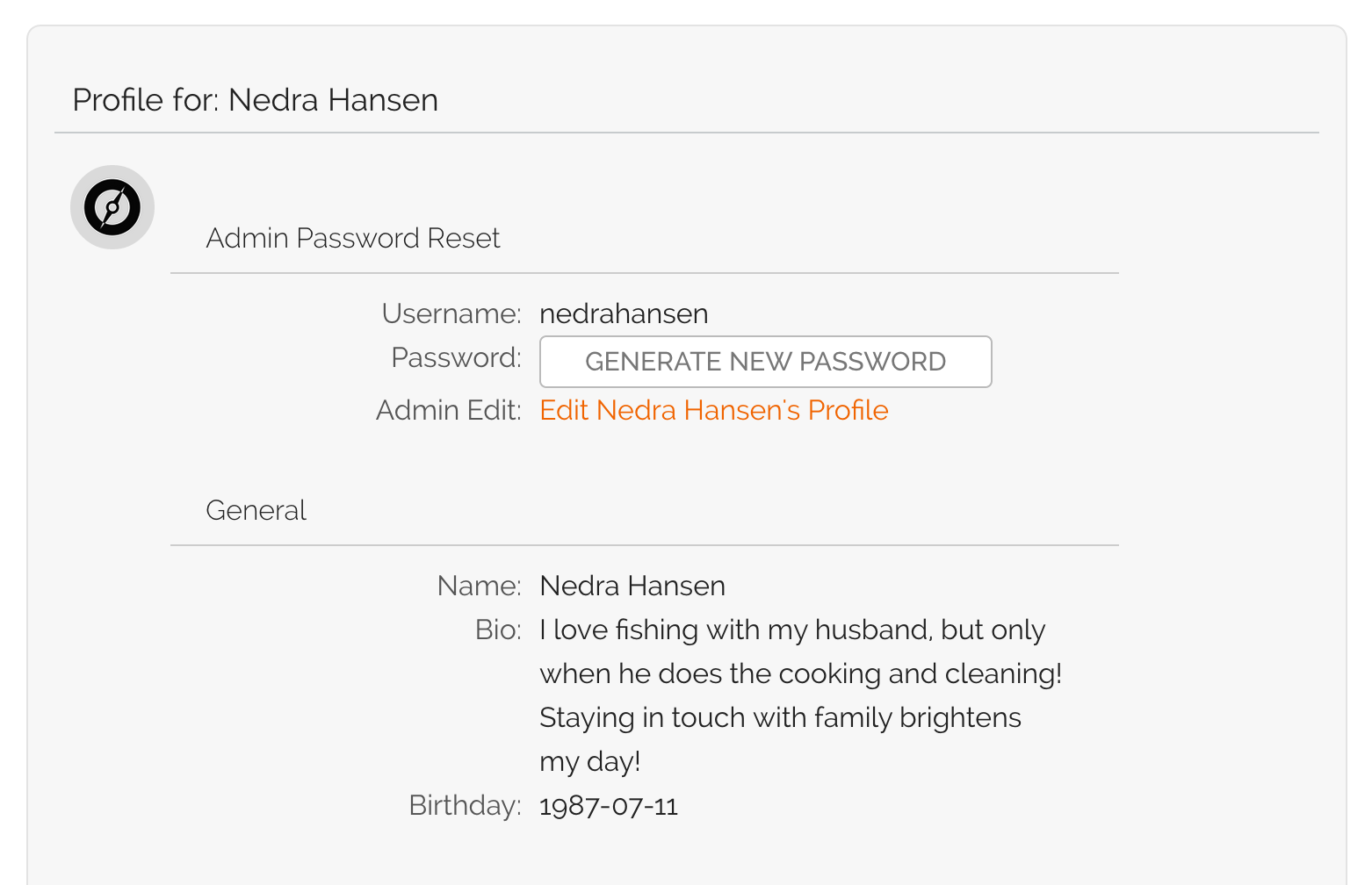
Q: I’m an admin and would like to be able to edit my members’ info or help them log in. Can I have more power if I promise to use for good and not evil?
A: YES! We are working on tools that will enable Hub admins to have greater ability to help manage members of a Hub. We appreciate your patience as we get this critical feature right.
Q: I can’t see the posts from our MyFamily site in the History, File Cabinet, Reviews, or Recipes section. Were they migrated?
YES! We safely migrated all of these posts and more. While we DID retain the category and section information for every post, we are currently working on a simple, powerful way to organize all of those items. We expect to release improved organizational tools soon. In the meantime, most of these items can be found through our robust Search tool. Give it a try!